Maryland's Largest School District
Call: 240-740-6531
Email: teamworks@mcpsmd.org
Service Agreement
- Elementary Schools
Service Agreement
- Secondary Schools

TeamWorks is the copier equipment and maintenance program for all MCPS schools. TeamWorks strives to consistently complete repair service within 36 hours. Often times, service requested in the morning is completed that afternoon.
The principal has assigned a staff member in your school to be the copier service partner, who is responsible for handling toner, staples, and paper; showing fellow staff members how to use the copier properly; and requesting repair service as needed.
TeamWorks – MCPS Copier Service
The official platform for submitting, tracking, and reviewing school copier service requests.
How to submit a service request
Use Service Calls Placed to review submitted requests and technician updates.
Partners and school administrators may also use the School Copier Dashboard to review the status of copier service requests for their school.
If you experience any problems accessing the platform, please contact Ms. Stevarlon Green. The preferred method is email. Please send a screenshot or photo of the screen showing the issue to:
You may also contact her at 240-740-6531. However, emailing an image of the problem is preferred, as it will help us identify and resolve the issue more efficiently.
Submit • Track • Review
Powered by TeamWorks
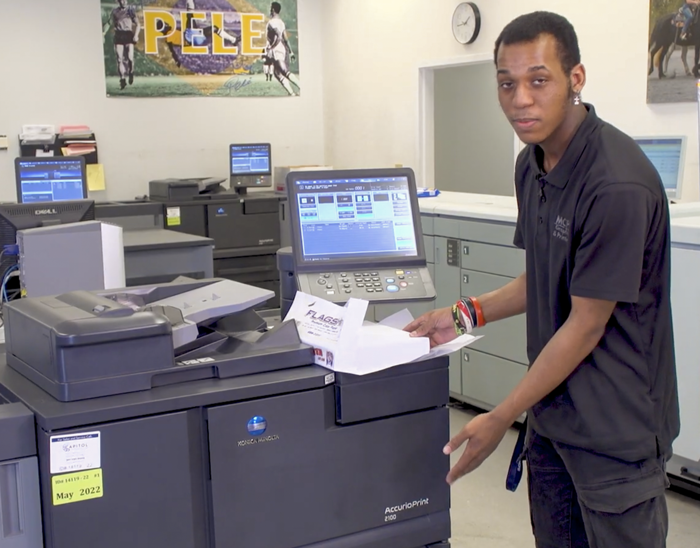
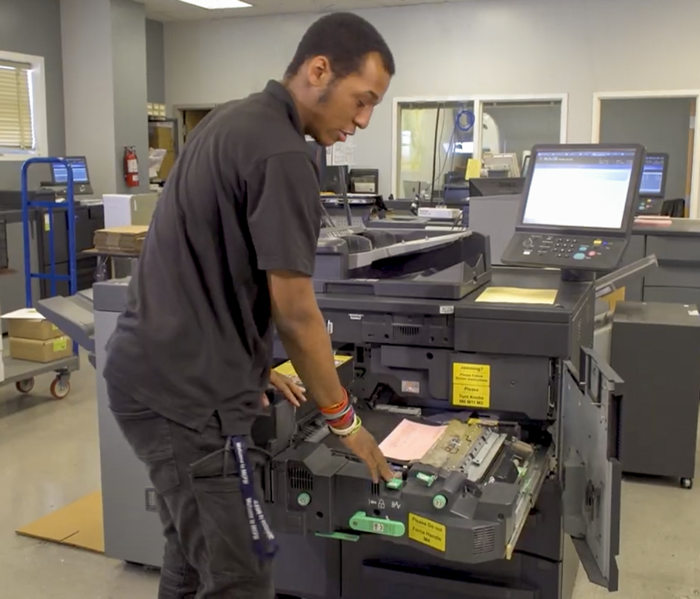
Clearing Paper Jam Video - Konica
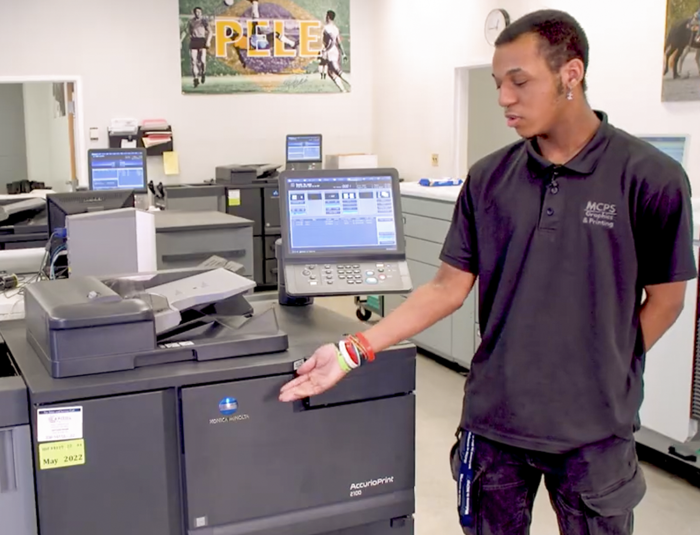
Supply Replenishment Video - Konica
Each month, the copier service partner reports the copier meter reading. This assists with scheduled preventive maintenance and long-term planning.
Helpful Hints - Konica Copiers
Going Green with School Copiers
Each month, TeamWorks Central distributes a tip by email to copier service partners to help them with their duties associated with the copier. Click below to see the latest tip.
