Maryland's Largest School District

The Department of Food and Nutrition Services (DFNS) has made it easier to view student’s school menus. MCPS students, parents, and community members can now view school menus with MealViewer, providing increased access to:
MealViewer can be accessed on a computer browser, through the MealViewer app on Android and iPhone, or using any browser on a smartphone. No sign-in or passwords are required to view menus. It is also possible (but not required) to rate food items, star favorite items, utilize a nutrition calculator, and create a profile.
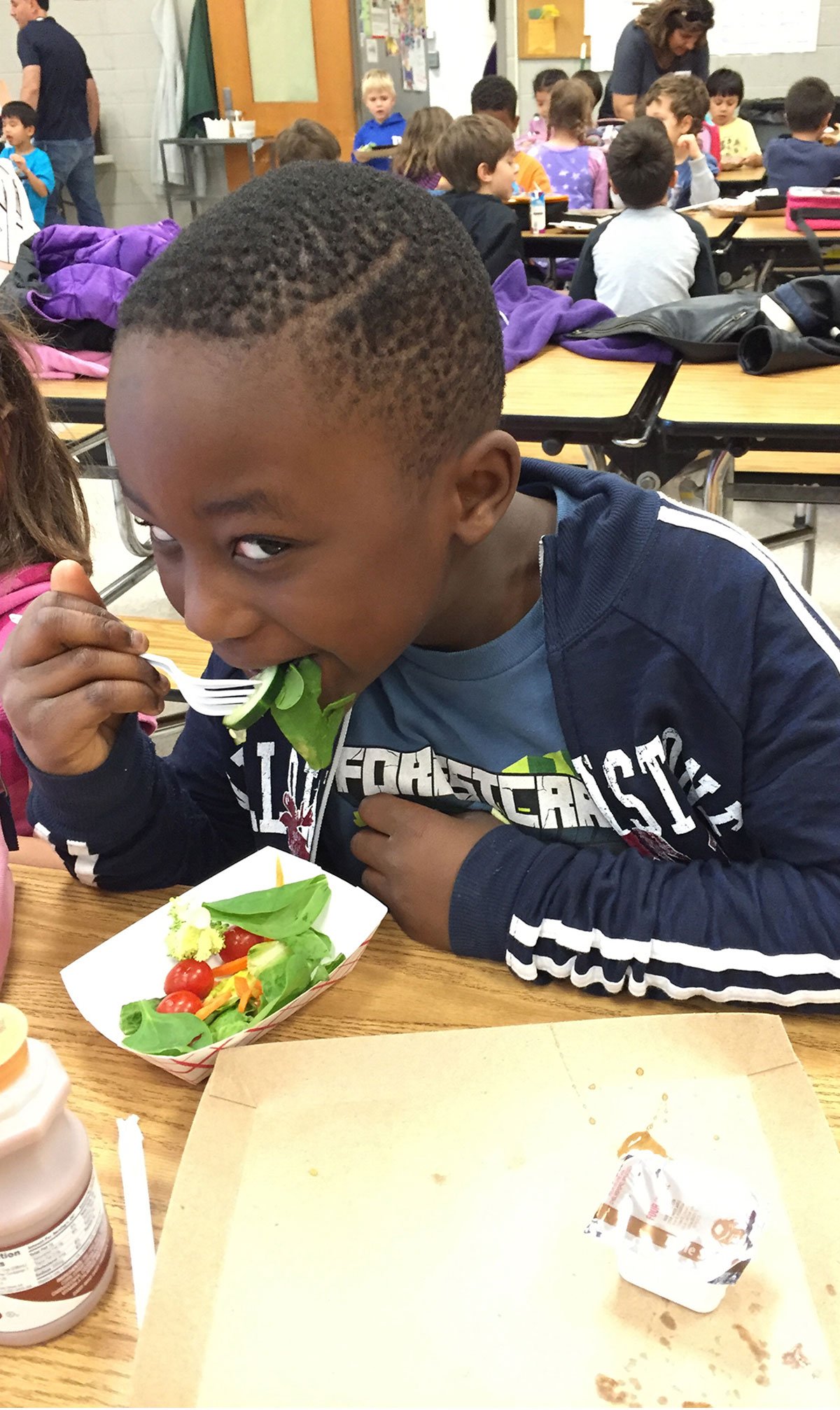
In addition to school meals, DFNS provides a variety of nutrition options to students. From 12:01 a.m. until 30 minutes after the end of an instructional day, food and beverages available to students must comply with Policy JPG, Regulation JPG-RA, USDA Smart Snack Guidelines, and MSDE Nutrition Standards for food sold in schools. This applies to school stores, fund-raising activities, vending machines, and other ways food is available or sold to students. Specific items vary at each school.
Students are able to purchase additional items during meal service each day. This is called “à la carte.” School administration works with DFNS to determine which items are available for purchase during meal service. Students must have funds in their MySchoolBucks account or cash in hand to purchase items a la carte.
À la carte item and pricing information is available online for Elementary schools and Secondary schools. For more information about which items are made available at a specific school, please reach out directly to the cafeteria manager.
DFNS partners with Vend Natural Healthy Vending to provide schools the opportunity to place vending machines within their buildings. Vending machines accessible to students and on during the school day must contain snacks and beverages that meet all required nutrition standards. Additional information can be found here.
Healthy Bites allows school staff, administrators, and PTAs to easily order snacks and drinks for students, with 100% confidence that every item meets official nutrition standards. Use the Healthy Bites Order Form below and submit to each school's Cafeteria Manager.
MCPS staff are welcome for breakfast and lunch in the cafeteria. Adults may choose from the daily offerings. Items are offered a la carte and pricing information is available online for Elementary schools and Secondary schools. Staff may add funds to a MySchoolBucks account, or pay in cash at the time of purchase.
Looking to cater a large event or provide a more complete meal service? DFNS may be able to help! Please see our catering information below for more detail on what we offer and how to get in contact with us.
