Library Media Center :  Destiny Library Catalog

Welcome | Cybersafety | Search Engines | Free Computer Resources for Home
Homework Hotline | Math Websites | Library Media 

 Mr. Richard Ashford
Mr. Richard Ashford
Media Specialist
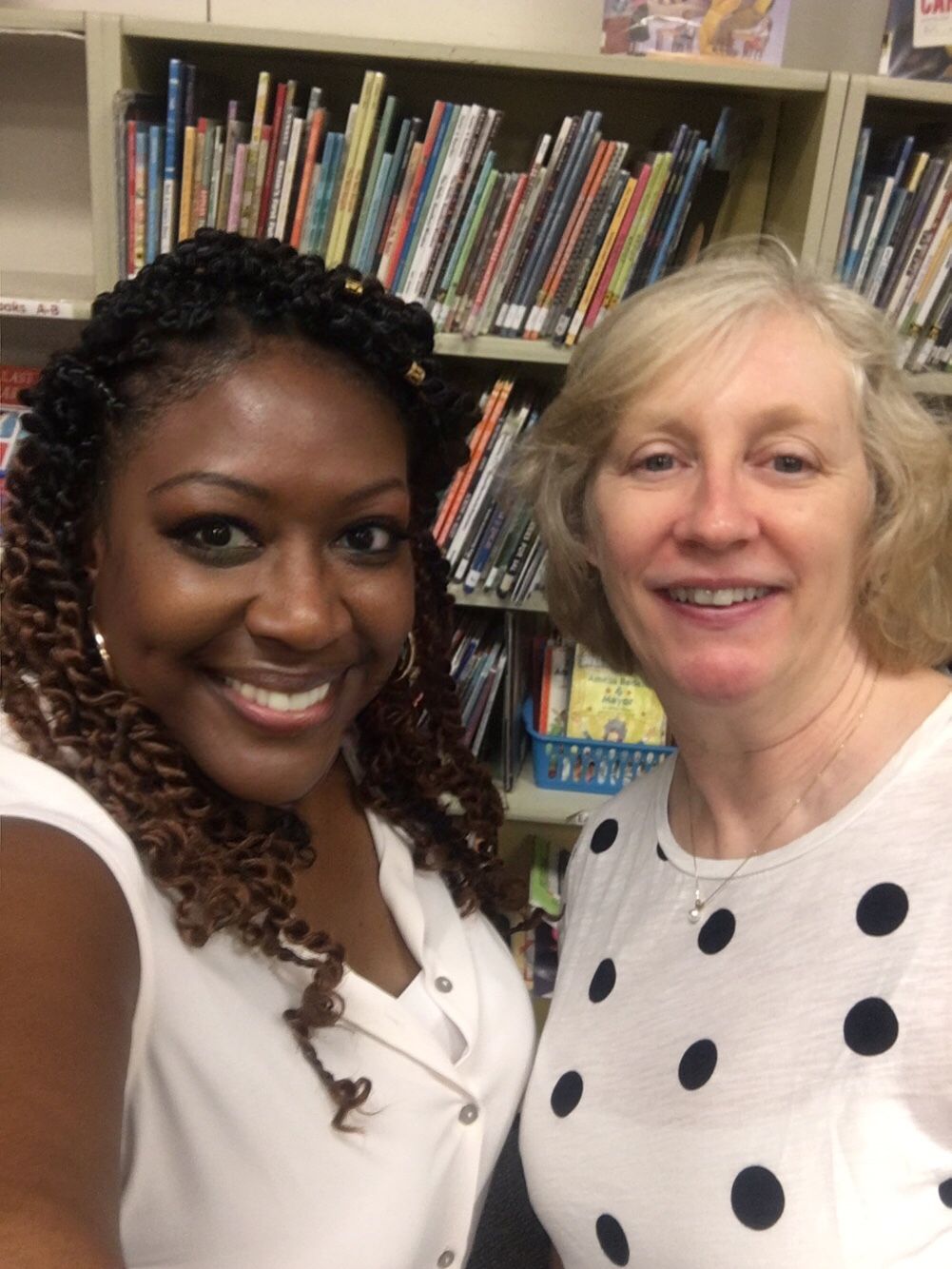
Miss Njai Ceesay
Ms. Njai Ceesay
Media Assistant

Welcome

We welcome your children once a week for a skills lesson and book checkout. Any student may visit as often as they like, so long as they have a pass from their teacher. (3rd graders visit with their afternoon teacher’s group.) What ARE Library or Media skills?

Children may borrow 1 book from the high-demand Favorites, plus another if there is time. There is no fee for late books, unless the item is lost, but students with overdue books cannot check out.

CyberSafety

On Guard OnLineChildren are sophisticated internet users, but there are always things to be careful of. Protecting your computer with a firewall, anti-virus software, and regularly installing updates to all your programs are only first steps. Downloading programs from insecure sources, chatting with strangers, revealing personal information and identity theft are some issues of greater concern.

OnGuardOnline.gov is a federally-sponsored website that addresses all the issues for children in particular (NetCetera section) and computer users in general. The is even a tab for Games that promote Cyber Safety (CyberCriminal and Friend Finder). How’s that!

Search Engines for Families

These are the programs your Browser* uses to look for Internet files. While many people search with Google, you may prefer Engines made for Kids & Families, to screen hits which are inappropriate, or just irrelevant.


  • Boolify Icon
    Boolify
    .org is a Google project that allows you to use AND, OR, and NOT to frame your searches much more carefully.

     
  • Kids Click Icon
    KidsClick.org
    was created for students by librarians. Search by Category, Alphabetical Listing or Key Word. Use the Advanced Search to limit results by reading level or number of pictures. This is a good place to start when looking for information for school projects. Click on Search Lessons to enter the "Worlds of Web Surfing" a tutorial about searching and surfing.

     
  • Ask Kids Icon
    Askkids.com
       Jeeves will help you find websites to answer the questions you ask. No need to use Keywords or special search terms.
     
  •  Yahoo Kids Icon
    Kids.yahoo.com
     An extensive search directory for kids. Search by Key Word or Category. This directory includes many sites that kids are interested in, including games and cartoons as well as school topics.

     
  • SafeKids.com filters out sites and images inappropriate for children and has no advertising.
     

Browser*   the software your computer uses to establish an Internet connection, such as Internet Explorer, Firefox, Safari, AOL, MSN, etc. 

We acknowledge the Pine Crest, Chevy Chase and Bannockburn LMCs for their input to this page. 

Free Computer Resources for Home Use

All students with home computers should bookmark at least one Online Encyclopedia and two other databases to help with their homework. Besides articles, these contain specially chosen websites.  

The Logins and Passwords for these sites are sent home in print only, to keep their use within the PBES community. The Specialists’ Nov. Newsletter, and the Nov.PTA Newsletter will have them. Click here to see MORE Subscription Resources, besides my favorites.  If you don’t get a copy of the passwords from your child, contact  Richard Ashford.

  • Britannica Elementary is Easiest. Like all Britannica products, this will read aloud an article one paragraph at a time. Images and the “Web’s Best Sites” are pre-set for viewing.
  • Grolier’s New Book of Knowledge is also for Elementary use, but the articles are much longer. It’s strong point are the many Weblinks carefully matched to elementary reading levels.
  • Britannica’s Compton’s Encyclopedia is written at a Middle school reading level. It too will read paragraphs one at a time, and gives a choice of Images and the “Web’s Best Sites.” 
  • Encyclopedia Britannica and Grolier’s Encyclopedia Americana are each aimed at High school or proficient readers looking for detailed coverage in the article and in linked web sites.
  • PebbleGo! gives simple coverage of pets, animals, & has sound + video clips.
  • Amazing Animals by Grolier has different species of wild animals. The weblinks are outstanding.
  • eLibrary Elementary and SIRS Discoverer  are two other databases for magazine articles, videos, pictures, etc. are available.
  • CultureGrams  has unmatched coverage of states & countries around the world.

Homework Hotline - Live help!

Homework Hotline
HHL can be viewed in Montgomery County on cable TV (Comcast 34, Verizon FIOS 36, RCN 89).

Math Websites by Concept and Grade

Math Websites by Concept and Grade 

Library Media

Media Center IconREAD ALL ABOUT IT !!!
This fall, we have been working to better link with topics of classroom instruction.

  • 3rd grade has used Math skills to navigate the Dewey Decimal system.
  • 4th grade has worked on Fables, Fantasy & Map reading.
  • 5th grade has done a big unit on how to avoid copying when writing summaries, a critical skill.

We are about to go into Geo Bowl season, where all students are Coaches or Team mates, studying Africa & the Americas.

We have been lucky this fall to have the services of Sue Anderson, MLS, volunteering 6 hours a week during afternoon.

Be sure to set up your home computer to use MCPS free Internet websites.

Printed lists of Passwords are being sent home in the November Specialist newsletter & next November PTA newsletter.
Watch for them!! 

 
This page is maintained by the Piney Branch Elementary School's Web Team
Click here to log in